

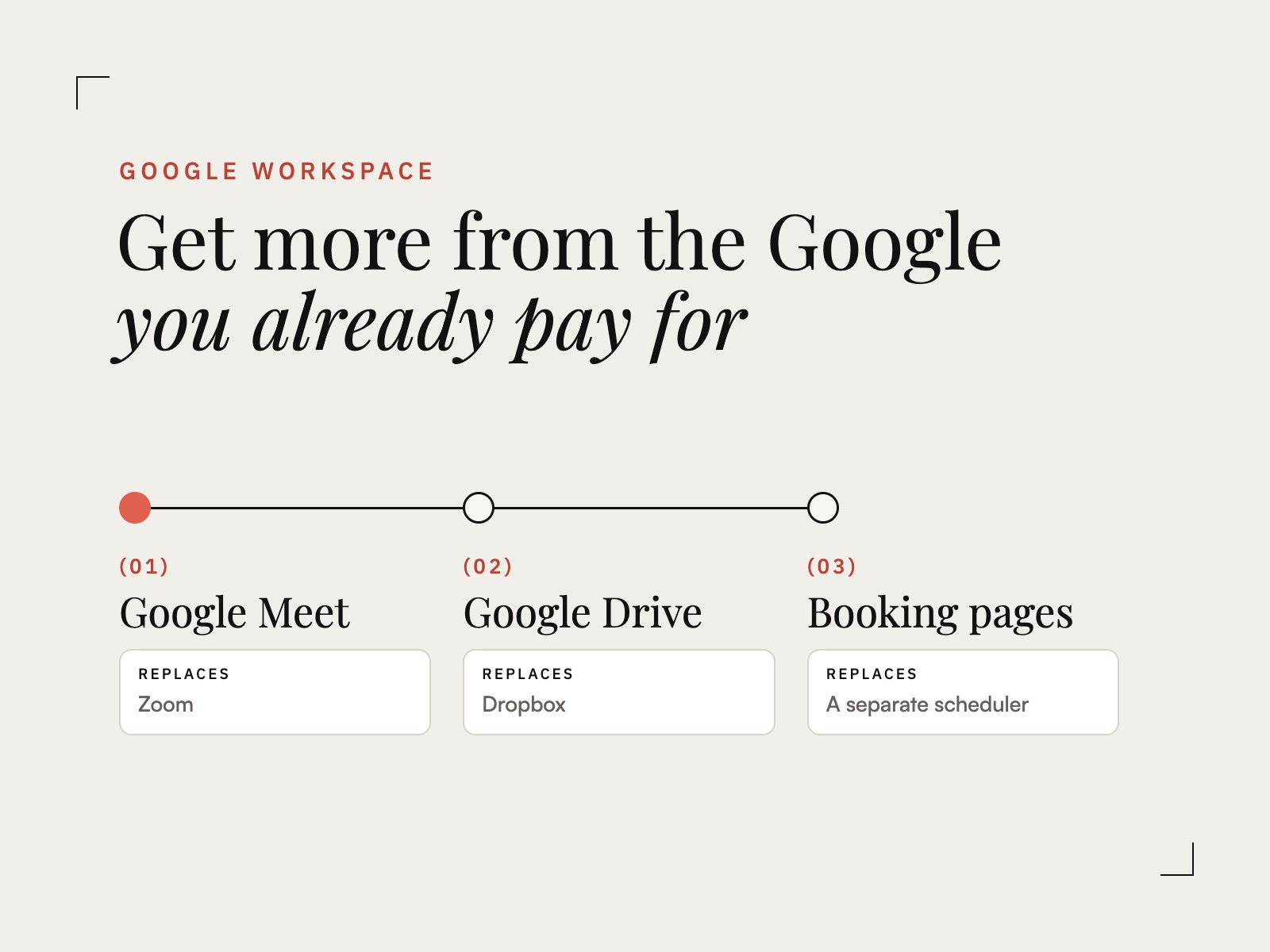
If you pay for Google Workspace, you may be paying for some of the same jobs twice: a video tool, file storage, a scheduler, a form builder, a signing tool. Workspace covers most of them already. The real question is whether your client process is built to use it.
This is a review of what your subscription includes, which tools it can replace, and where a dedicated tool still earns its place.
Start with an inventory
List every tool you pay for each month. Next to each one, write the job it does for your clients: holds their files, books their calls, collects their answers, gets their signature. Most overlap shows up the moment the jobs are written side by side.
Video calls: Google Meet instead of Zoom
Meet is part of every Workspace plan, and any Google Calendar event can carry a Meet link, so a booked call already has its link. Clients join from a browser, with nothing to install.
Before you cancel Zoom, check your plan’s limits on meeting length, participants, and recording, then compare them with how you actually use Zoom. If you record every client call or run large workshops, confirm your plan covers it first.
File storage: Google Drive instead of Dropbox
Workspace includes Drive storage for you and your team. Keeping Dropbox as well means client files live in two places, and someone always checks the wrong one.
Give each client one Drive folder, shared with them and named the same way every time. That folder becomes the place they find everything you deliver.
Scheduling: appointment schedules instead of a separate booking tool
Appointment schedules in Google Calendar give clients a booking page that checks your availability and adds a Meet link to every booking. Paid Workspace plans add extras such as email reminders.
If you rely on routing questions, team round-robins, or complex booking rules, a dedicated scheduler may still be worth paying for. For one person booking discovery calls and sessions, appointment schedules cover the job.
Intake and questionnaires: Google Forms
Google Forms handles inquiry forms, questionnaires, and feedback surveys. Every response lands in a Google Sheet, so answers are easy to sort, search, and reuse.
Agreements: signing without a separate tool
A Google Form can collect an agreement: the client checks the agreement box, types their full legal name as their signature, and adds the date. Google records each submission with a timestamp, and the client receives an email copy. Depending on your plan, Google Docs can also request eSignatures.
Confirm that the signing method suits your contracts and where you do business before you cancel a signing tool.
Client records: a tracker in Google Sheets
One Sheet with a row per client and columns for package, status, paid, and balance replaces a spreadsheet you rebuild every year. Formulas can total what is booked and what is outstanding from your payment log, so the numbers update as you log payments.
Client documents: one template in Google Docs
Welcome packets, project guides, meeting notes, and letters all start from the same Doc template, with your fonts, colors, and heading styles already set. Every document a client receives then looks like it came from the same business.
Connect the pieces into one client portal
Each of these tools works on its own. Clients notice the difference when they are connected: one place to find their proposal, payment link, booking link, and files. Google Sites builds that place, and it is included in your subscription.
Our Google Workspace kits build that portal for you: a Google Sites portal, a proposal clients sign in Google Forms, a client tracker in Google Sheets, and a document template in Google Docs, in one of four designs. Google Forms does not process payments, so your portal links to the tool you already use, such as a Stripe Payment Link or a PayPal or Square invoice. The kits also work with a free Google account.
What Workspace does not replace
Workspace stores, schedules, collects, and meets. It does not process payments, and it does not run automated workflows that send the next step without you. If you want every email, form, and reminder to go out on its own, that is where a client management platform such as Dubsado earns its subscription.
A simple audit
- List every subscription and the client job it does.
- Mark each job Workspace already covers.
- Move one job at a time, starting with file storage or video calls.
- Cancel the old tool only after a full client project runs without it.
Fewer tools. One place for clients. A structure you already pay for.

