Content stays native to MemberVault, so you edit it the way you already do
MemberVault templates
A client portal that looks like your brand
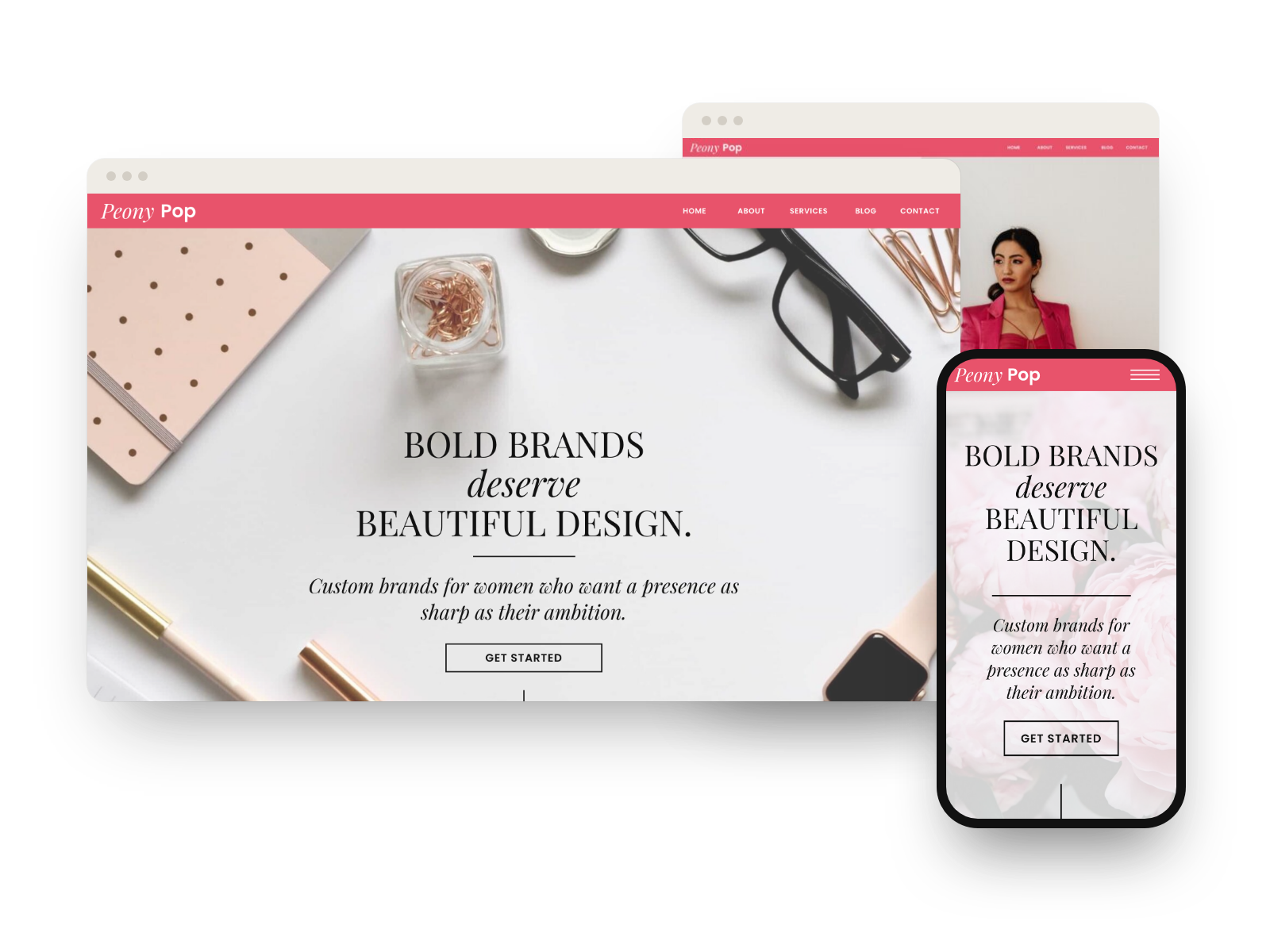
Most MemberVault portals look like MemberVault. These templates treat the platform as your content editor and the design as a separate layer, so your home page, shop, blog, and member area carry the same considered look as your website and forms.
- Edit natively Text, images, and links stay native to MemberVault, so you edit content the way you already do.
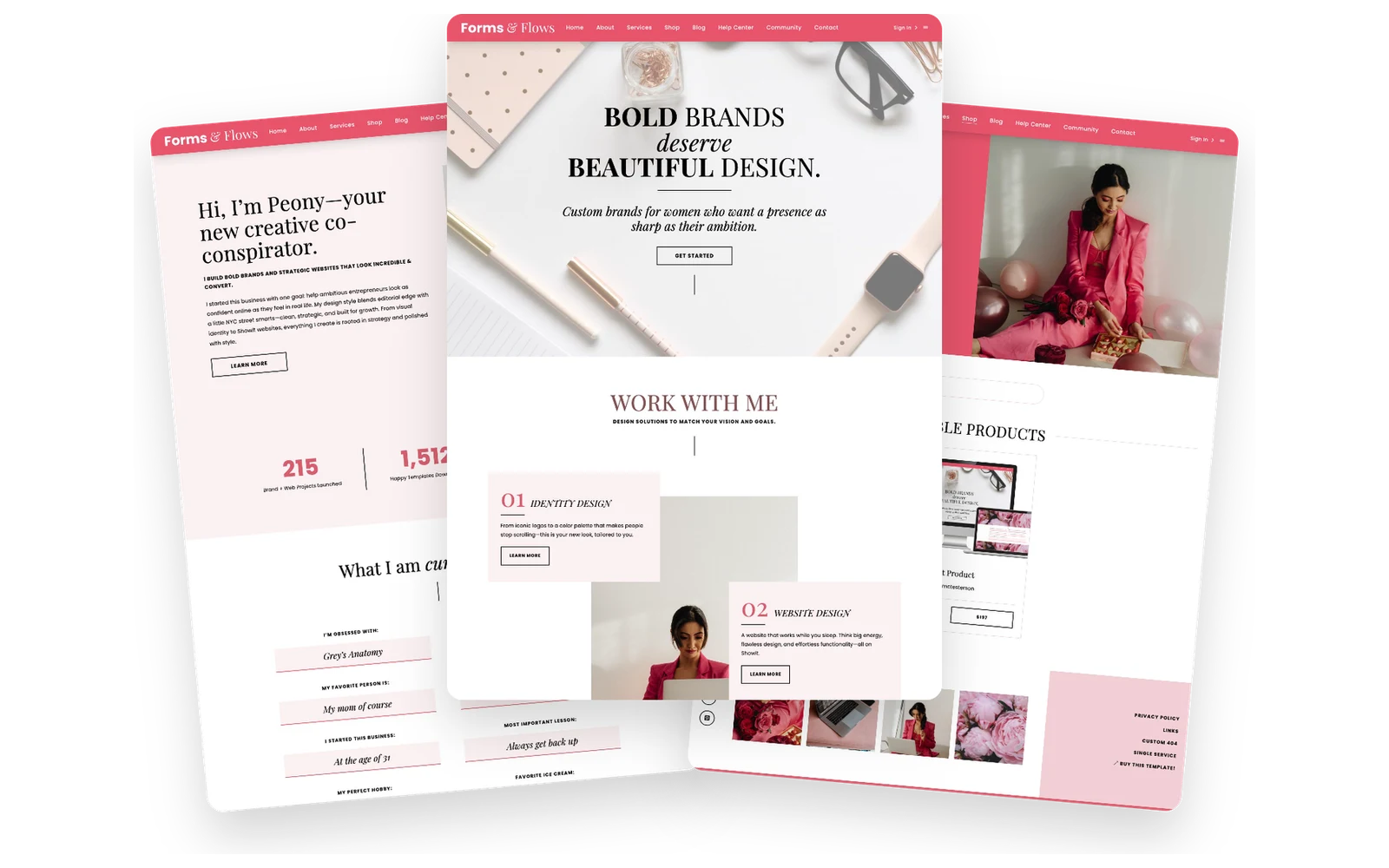
- A full portal design The Peony template covers every page, from the home page to the shop, blog, and member area.
- Snippets for the details 40+ copy-and-paste CSS snippets add sliders, testimonials, and structured sections to any MemberVault.
Shop MemberVault
MemberVault templates, by type
Select a template to see what it includes.
Templates and snippets
A full portal template and a CSS snippet collection, both edited inside your own MemberVault.
Start free
Try the snippets first
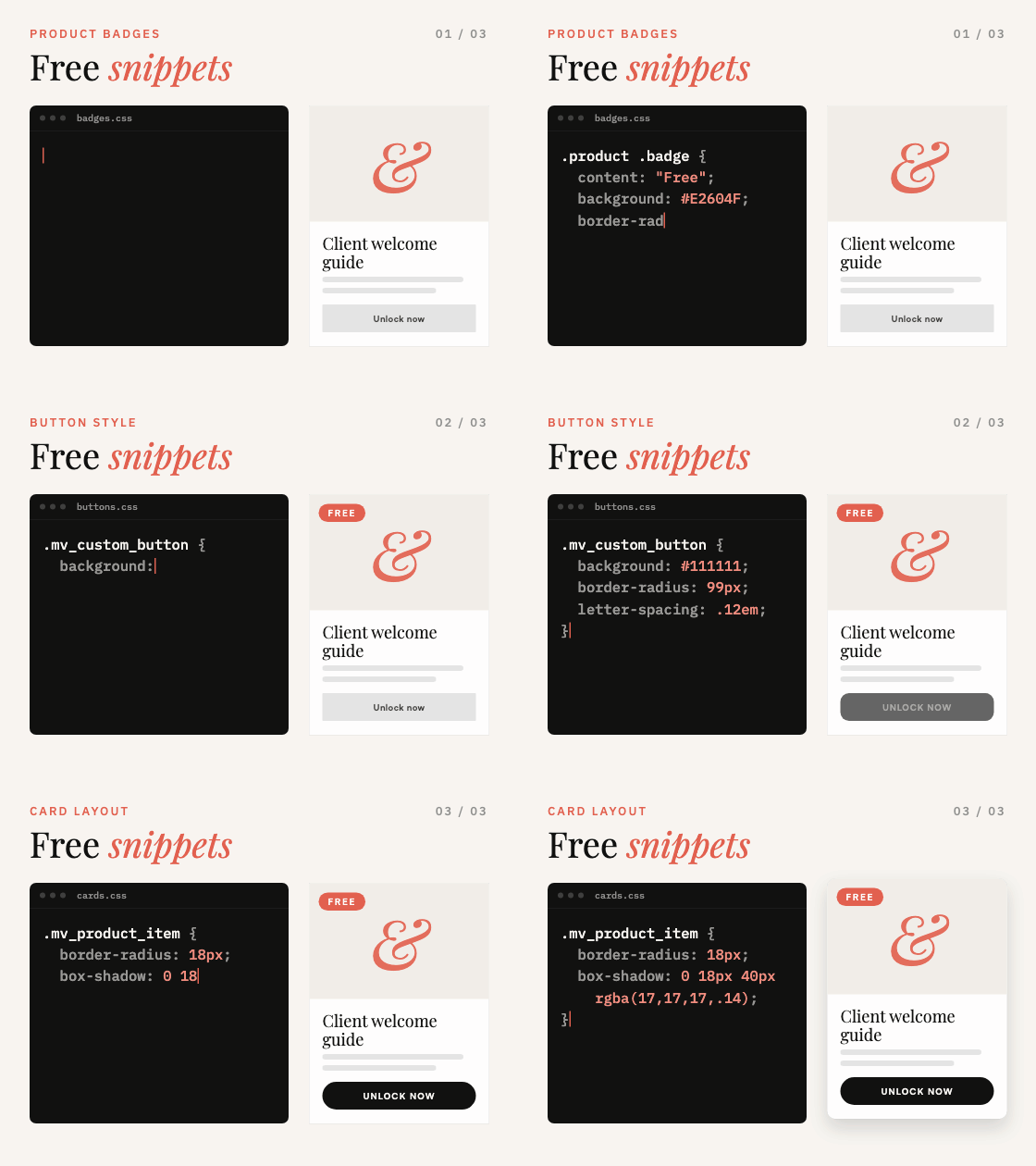
The MemberVault Styling Code Bank is free. Add a few snippets to your portal and see how the design layer works before you choose a full template.
Where to start
A full template or snippets?
Both work inside your existing MemberVault. The difference is how much of the design you want to change.
- The Peony template When you want the whole portal redesigned, page by page, to match a Peony website and forms.
- CSS code snippets When you like your current portal and want to add specific elements, like sliders or testimonials.
Pair it with
One design, every platform
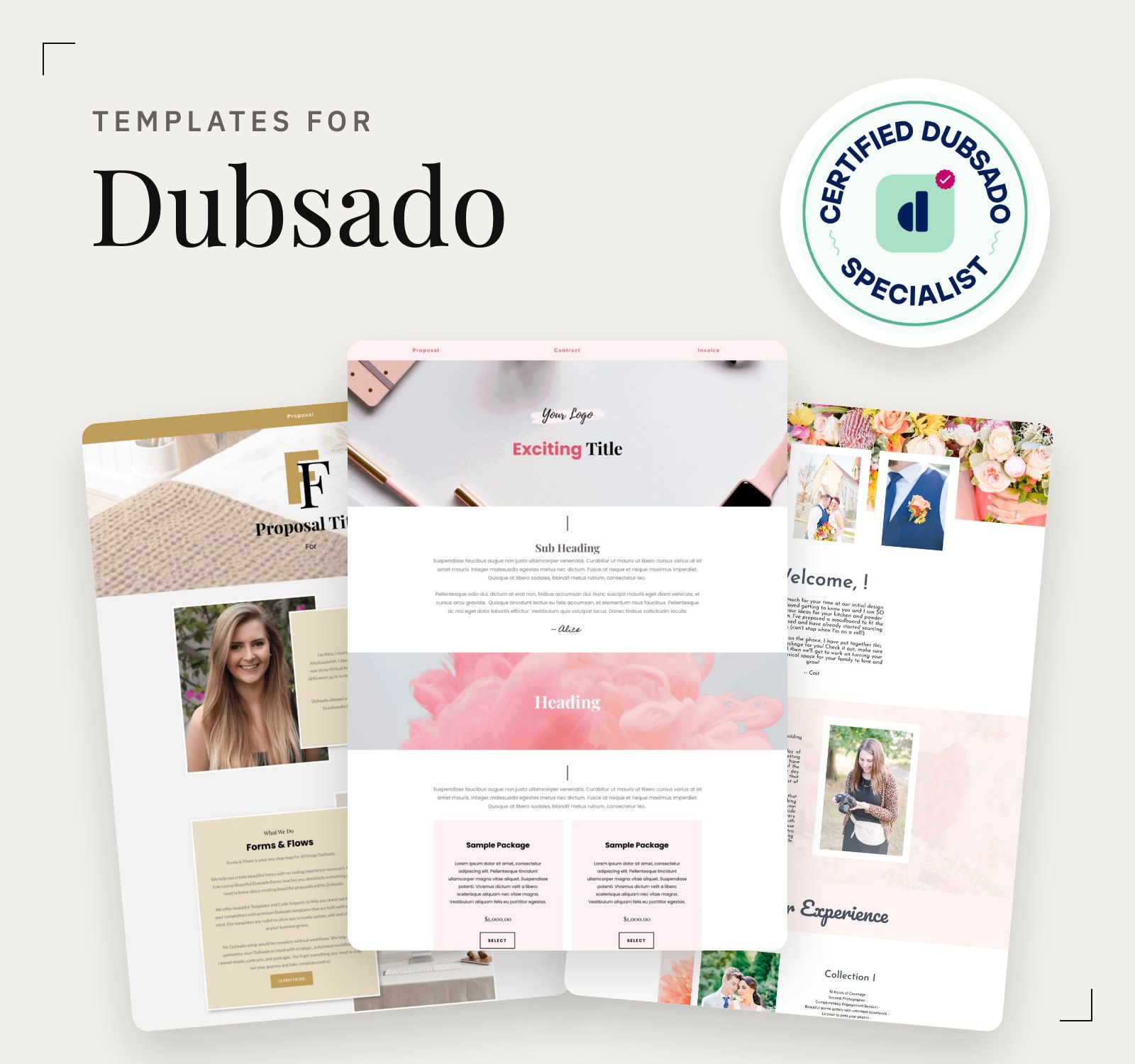
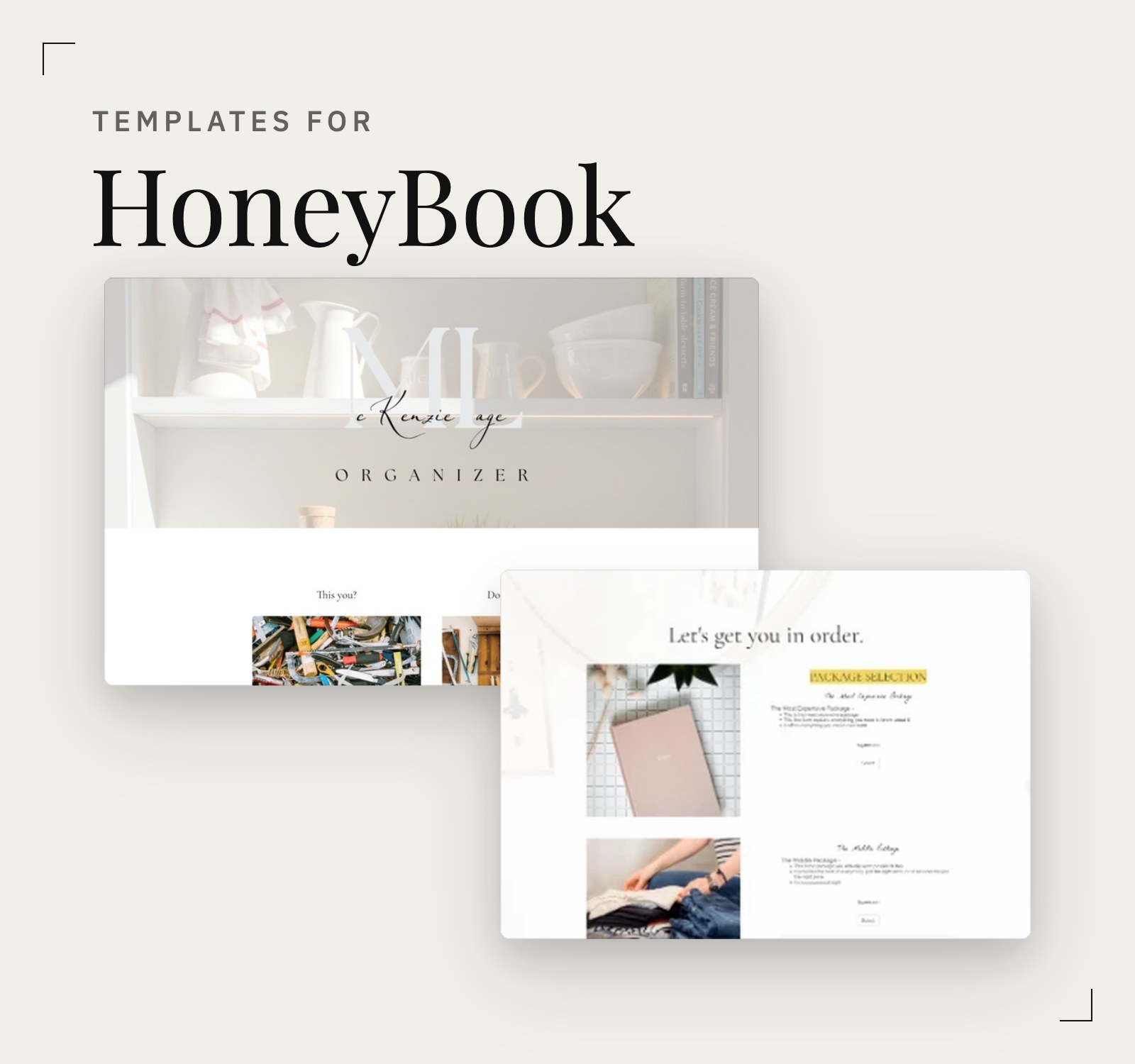
Peony runs across MemberVault, Showit, and Dubsado, so your client portal, website, and forms read as one system.