

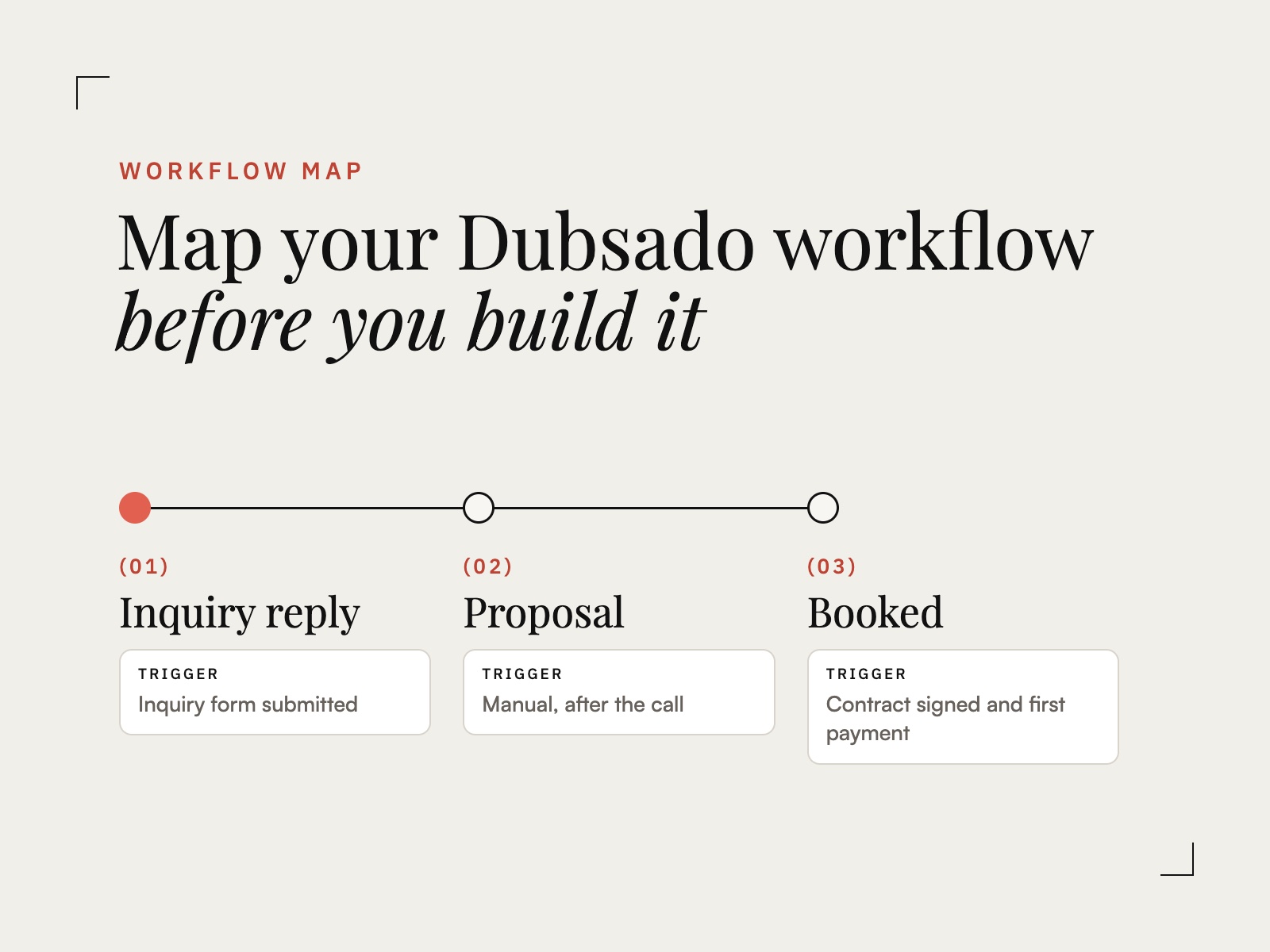
Most Dubsado setups stall in the same place. Forms get built, packages get priced, and then the workflow screen sits empty. The problem is rarely Dubsado. It is that the process in your head has not been translated into actions, triggers, and timing yet, and Dubsado can only run what you give it in that form.
A workflow map is that translation, written down before you build. Here is how to make one for a single service, step by step.
What a Dubsado workflow map is
A workflow map is a plain list of every step a client moves through for one service, in order. Each step has three parts:
- The action. What Dubsado does: send an email, a form, a scheduler, or an invoice, add a to-do, or change the project status.
- The trigger. What makes it happen: the previous step finishing, a contract being signed, a payment arriving, or a set number of days before or after a date.
- The content. Which email template, form, or scheduler it uses.
Once every step has all three, building the workflow in Dubsado is data entry. Without them, it is guesswork in a builder that punishes guesswork.
Step 1: Pick one service
Map the service you sell most often, not your whole business. One complete map teaches you more than five half-finished ones, and most of what you decide here carries over to the next service.
Step 2: Write the client’s path in plain language
Before you think about Dubsado at all, write what happens from the client’s side, from the moment they inquire to the moment the project is finished. Use short lines:
- They fill out the inquiry form.
- They get a reply with pricing and a link to book a call.
- After the call, they receive a proposal.
- They choose a package, sign, and pay a retainer.
- They get a welcome email and a questionnaire.
Keep going through delivery and wrap-up. If a step only happens sometimes, write it anyway and note when.
Step 3: Turn each line into an action
Go down the list and name the Dubsado action behind each line. “They get a welcome email and a questionnaire” becomes two actions: send the welcome email, then send the questionnaire. Anything you do by hand, like reviewing a questionnaire before planning, becomes a to-do so it still shows up in the project.
Step 4: Give every action a trigger
This is the step most setups skip, and it is where workflows break. For each action, decide what starts it:
- Something the client does. Signs the contract, pays, submits a form, books a call.
- Time. A set number of days after the previous step, or before the project date.
- You. Some steps should wait for your approval. Leave those manual on purpose.
Be specific. “After they book” is not a trigger. “After the contract is signed and the first payment is received” is.
Step 5: Check the forks
Look for the places your process splits. A client who signs but does not pay. A session that gets rescheduled. A client who books a second service. Decide what should happen in each case, then make sure no automated step can run past a gate it should wait at. A welcome sequence that fires before the retainer clears is the most common version of this problem.
If the forks seem endless because every client feels different, How to Map a Client Process That Changes for Every Client shows how to find the main sequence first.
An example map
Here is the booking stretch of a brand photography session, mapped:
| Action | Trigger | Content |
|---|---|---|
| Send email | Inquiry form submitted | Inquiry reply with pricing and call scheduler |
| Send proposal | Manual, after the call | Brand session proposal and contract |
| Change status to Booked | Contract signed and first payment received | Project status |
| Send email | After the previous step | Welcome email |
| Send form | After the previous step | Brand session questionnaire |
| Send email | 3 days after, if the questionnaire is not complete | Questionnaire reminder |
| Add to-do | Questionnaire submitted | Review answers and draft the shot list |
| Send email | 7 days before the project date | Session prep guide |
Every row can be entered into Dubsado as written. That is the test of a finished map.
Or let Dubsado Alchemy draft the map
Mapping by hand works, and it takes time. Dubsado Alchemy does the same work from a guided intake. You answer questions about how your business actually runs, and it returns a complete, build-ready Workflow Map for one service: every workflow, trigger, email, form, scheduler, payment plan, and to-do, drafted and placed in order.
It is built on the Trigger Mapping Method, a framework developed by a Dubsado Certified Specialist across years of custom builds, so the trigger logic and the forks are handled for you. No Dubsado knowledge is required, and your first map is free.
If you would rather work through it with guidance, Map Before You Build is free and walks you through one service from start to finish.
Map first. Build second. Automate with confidence.

