

If you photograph weddings or portraits and the Flows tab in your Dubsado account is still empty, you can build this Dubsado workflow for photographers in one sitting. It follows one client from the inquiry form to the gallery link, and for every step it names the Dubsado action and the trigger that sends it. Dubsado now calls workflows “flows,” so you will see both words here.
Before you build: what needs to exist in your account
A Dubsado workflow sends the forms, proposals and questionnaires you have already built, so those come first. Have these ready before you open the flow editor:
- A lead capture form for your inquiry page, with a date field for the wedding or session date
- Your packages and a proposal, with your contract and invoice attached to it
- A payment plan, if you split payments into a retainer and a final balance
- A planning questionnaire, such as a wedding timeline form or a session planner
- Email templates for your inquiry reply, welcome, session prep, gallery delivery and review request
Flows are a Premier plan feature. The Dubsado free trial includes every Premier feature, so you can build and test this workflow during the trial. What to set up in Dubsado before you build a workflow covers each of these pieces in order.
The Dubsado workflow for photographers, step by step
Each step in a Dubsado flow is one action and one trigger. The action is what Dubsado does, and the trigger is when it does it. The steps below run in the order a client moves through them.
1. Inquiry: reply as soon as the form comes in
Set your lead capture form to start this flow when someone submits it. The first action is Send Email, triggered 0 days after this flow starts, so your reply and your pricing guide reach the client right away.
Map the date field on that form to the project date. Every wedding step later in the workflow is timed from that date.
2. Proposal: check the date, then send it
Most photographers want to confirm the date is open, or have a call, before a proposal goes out. Add a Create Task action for yourself, such as “Confirm the date and the package.” Then add a Send Form action with your proposal, triggered after all previous actions are completed. The proposal waits until you check off the task, so it never goes out for a date you are already booked on.
Use Send Form for the proposal even though your contract and invoice are attached to it. Dubsado’s help center is specific about this: a proposal with a contract or invoice attached goes out through Send Form, not Send Contract or Send Primary Invoice.
Then add a reminder. A second Send Form action with the same proposal, triggered a few days after the form is not completed, resends it if the client has not accepted. If they accept first, Dubsado skips the reminder.
3. Booked: welcome the client when the contract is signed
Send your welcome email with the trigger “after the contract is signed by the client.” It fires on the client’s signature, so it does not wait for your countersignature. Add an Update Project Status action on the same trigger to move the project from lead to booked, so your projects list shows who has actually booked.
4. Payments: let the payment plan send the reminders
Payment reminders go in the payment plan, not the workflow. In your payment plan template, add a reminder to each installment, set a number of days before or after its due date. The final balance reminder then goes out on its own for every client on that plan.
5. Planning: time the questionnaire to the wedding date
Send your timeline questionnaire with a Send Form action triggered before the project start date. Set it to the number of weeks out you usually start planning with a couple.
A couple who books on short notice can book inside that window. When that happens, Dubsado pauses the action with an expired trigger message instead of sending it late. You choose Force now to send it immediately, or Edit condition to move it to a later date. Check new short-notice bookings for that message after the flow is applied.
6. Session week: prep email and a task for you
Send your prep email a few days before the project start date, with the timeline, the location details and what to bring. If you have a second shooter, a rental or a location permit to confirm, add a Create Task action for yourself on the same timing.
7. Gallery delivery: hold the email until the gallery is ready
Your gallery is hosted on your gallery platform, and Dubsado sends the email with the link to it. Editing time changes from one wedding to the next, so don’t put the delivery email on a fixed date.
Add a Create Task action triggered after the project end date: “Upload the gallery and paste the link into the delivery email.” Then add the delivery email as a Send Email action triggered after all previous actions are completed. When the gallery is ready, open the email in the project’s flow, paste in the link and check off the task. The email goes out once the task is checked off.
8. After delivery: review request and archive
Send a review request a week or two after the gallery email, while the client is still looking through their photos. Finish with an Archive Project action so your active projects list only shows clients you are still working with.
Weddings and portraits need separate workflows
A wedding workflow runs on the wedding date. A portrait session usually runs on the appointment the client books, and booking an appointment does not set the project date. For portraits, add a Send Scheduler action after the contract is signed. Then time the prep email with “before an appointment starts” and the gallery task with “after an appointment ends.” Those appointment triggers are only available for a scheduler sent by a Send Scheduler action earlier in the same flow.
Mini sessions book and pay in one step, so they need their own setup. Automate mini sessions in Dubsado step by step covers it, and how photographers can use the Dubsado scheduler covers the scheduler itself.
Build it in this order, then test it on yourself
Build the steps in the order above and test as you go. Apply the flow to a project where you are the client. Fill in your own inquiry form, accept your own proposal, sign your own contract, and log a payment by hand to check that each step sends when it should.
Your first version will need changes, and that is fine. Once the workflow runs on a test project, you can see exactly which step to fix. If you want to see the whole thing on paper before you build, how to map a Dubsado workflow before you build it walks through the map.
If you would rather start from a finished workflow
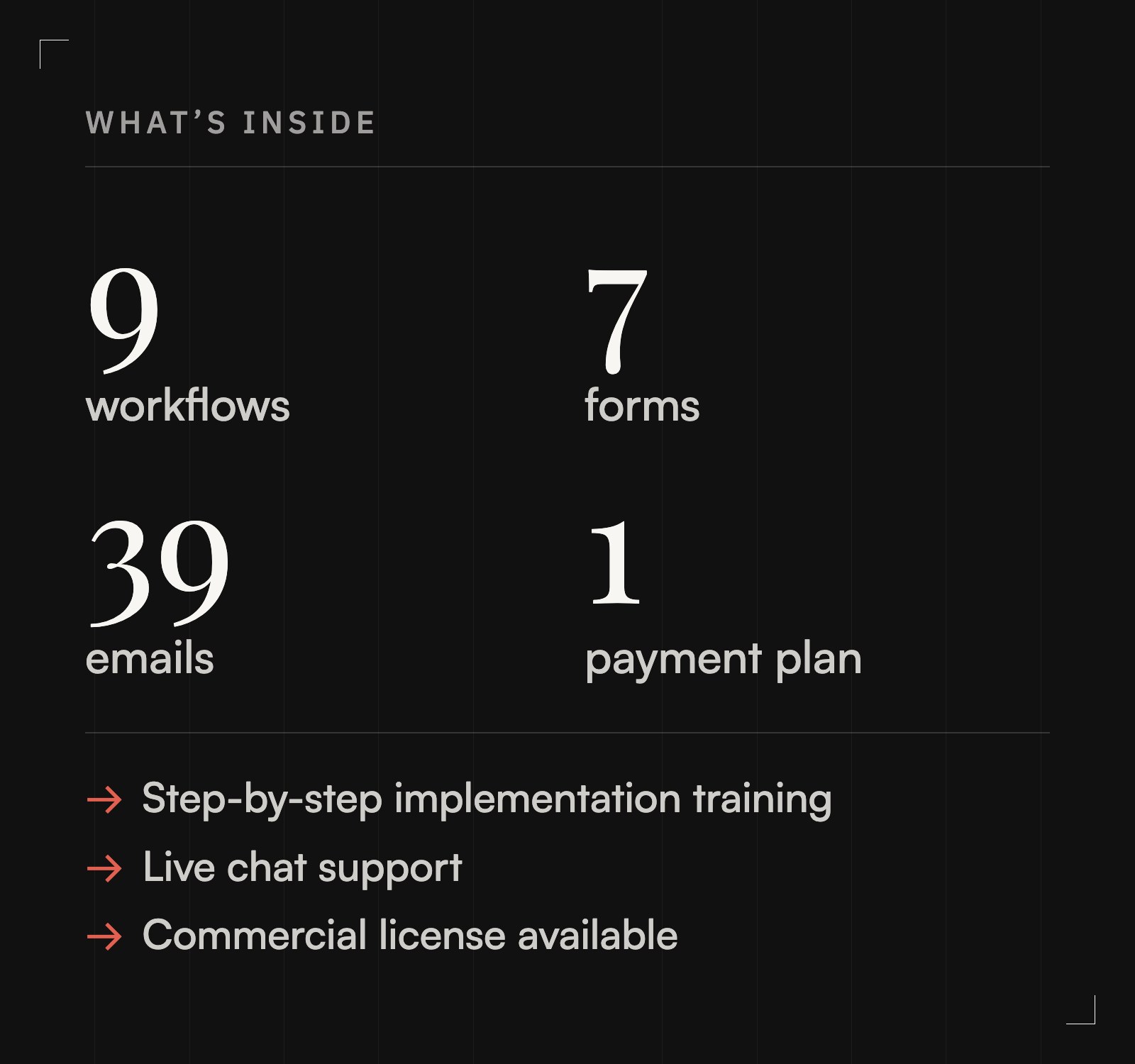
The Wedding Photographer Flow Kit and the Portrait Photographer Flow Kit include the workflows, form templates and emails for the full client process, mapped from inquiry to delivery, with step-by-step training to build them in your account.
If your process does not match a typical wedding or portrait business, Dubsado Alchemy is a Forms & Flows web app that asks how you run your services and gives you a build-ready Workflow Map for your own process, with the emails and forms drafted. New accounts get their first credit free. If you would rather have someone set up Dubsado with you, Cait Potter offers Dubsado setup services.
FAQ
Do I need Dubsado Premier for a photography workflow?
Yes. Flows are a Premier plan feature. The free trial includes every Premier feature, so you can build and test the workflow before you choose a plan.
Does Dubsado deliver my gallery?
No. Your gallery stays on your gallery platform, and Dubsado sends the email with the link. A Create Task action before the delivery email keeps it from sending until you check off the task.
What happens if a couple books after my questionnaire would have gone out?
Dubsado pauses that action with an expired trigger message instead of sending it late. Choose Force now to send it immediately, or Edit condition to set a new time.
Should weddings and portrait sessions share one workflow?
No. A wedding workflow is timed from the project date, and a portrait workflow is usually timed from the appointment, so each needs its own flow template.
Can I check the date before Dubsado sends the proposal?
Yes. Put a Create Task action before the proposal and trigger the proposal after all previous actions are completed. The proposal waits until you check off the task.

