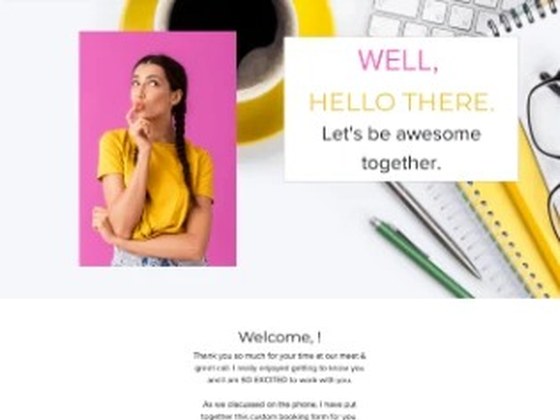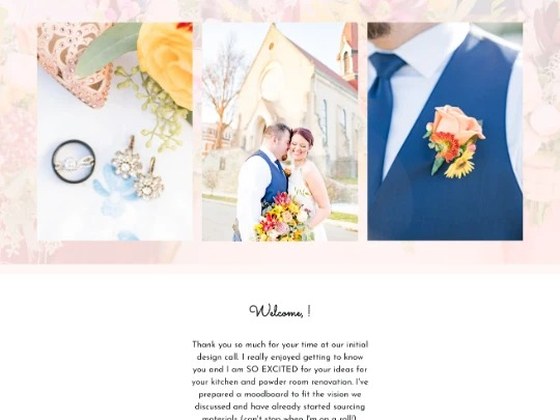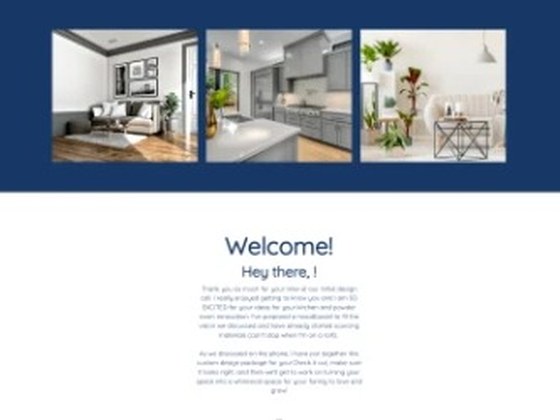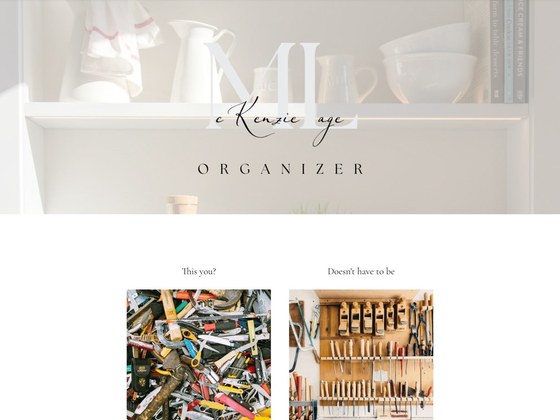

Why we made Lotus
Clean and fresh, for brands that value clarity above all.
Lotus keeps the layout simple, so every section reads on its own: the welcome, a testimonial, the questions clients ask, then packages that take set options or a custom quote. Clients see one clear path from hello to signed.
Lotus’s palette. Every color changes in HoneyBook’s own design settings, no code needed.
Clay #D2AA82
Sand #DCC8BE
Stone #B4B4B4
Mist #DCDCDC
Ink #1E1E28
Inside the form
What’s in Lotus
Lotus arrives as a complete code-free proposal in HoneyBook. Use it as it is, or adjust every section to fit your brand.

- 4.8% | left | Customizable header | Your own background image, spotlight images, and color.
- 11.3% | right | Welcome area | Your color, images, and text introduce you before the details.
- 27.2% | right | Testimonial | One client’s words, given room on the page.
- 37.6% | right | Frequently asked questions | Questions and answers clients open as they read.
- 43.3% | left | Package and add-on sections | Set packages or a custom quote, in the same section.
- 81.5% | left | Client details section | Gathers the key client information in one clear place.
- 94.4% | left | Customizable footer | Swap the images in the gallery to finish on brand.