
Why we made Zinnia
Vibrant and playful, with a structure that keeps the process clear.
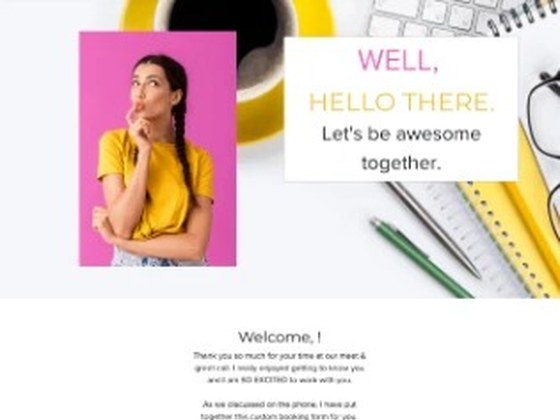
Zinnia opens with an about section in overlapping color, then explains your process before the packages, with extras set apart from the main options. The energy is yours. The order of the sections does the guiding.
Zinnia’s palette. Every color changes in HoneyBook’s own design settings, no code needed.
Zinnia #E664B4
Marigold #E6BE32
Stone #D2D2D2
Blush #FAF0F0
Ink #140A0A
Inside the form
What’s in Zinnia
Zinnia arrives as a complete code-free proposal in HoneyBook. Use it as it is, or adjust every section to fit your brand.

- 2.9% | left | Customizable header | Your own background image, spotlight images, and color.
- 15.7% | right | About me area | Overlapping images and colors, all edited in HoneyBook.
- 23.7% | right | The process | Explains your process in plain terms, so clients know what happens next.
- 28% | left | Package and add-on sections | Main packages and extras, laid out separately.
- 73.9% | right | Frequently asked questions | Questions and answers clients open as they read.
- 78.8% | left | Client details section | Gathers the key client information in one clear place.
- 96.7% | left | Customizable footer | Next steps and colors you can change, so the close is clear.