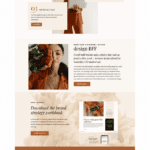
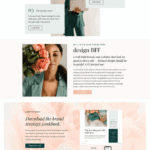
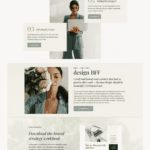
Why we made the MemberVault Peony Template
Warm, structured, and built to connect.
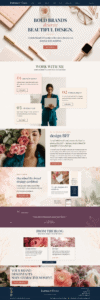
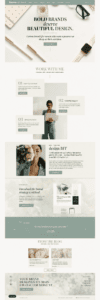
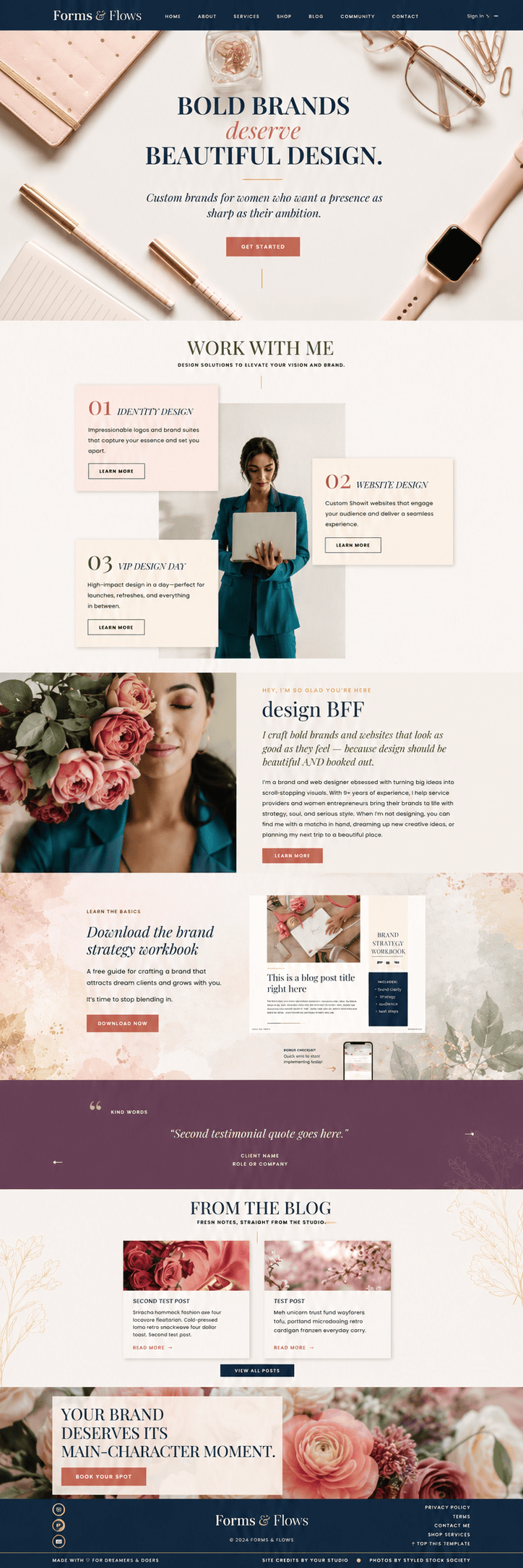
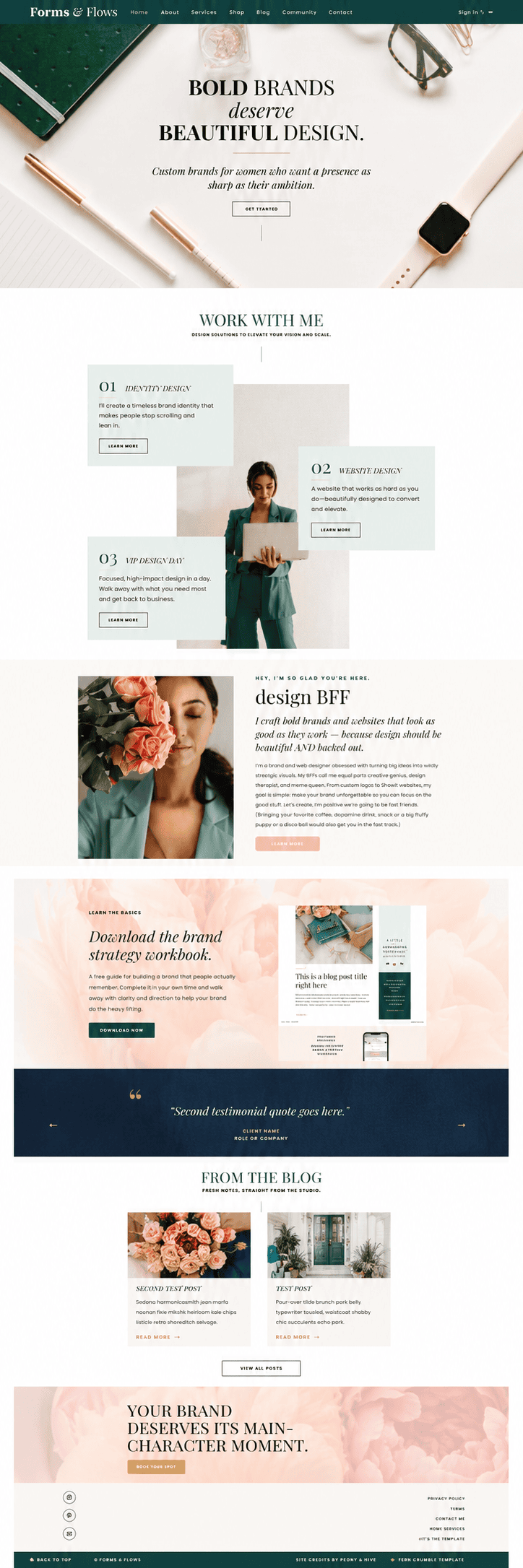
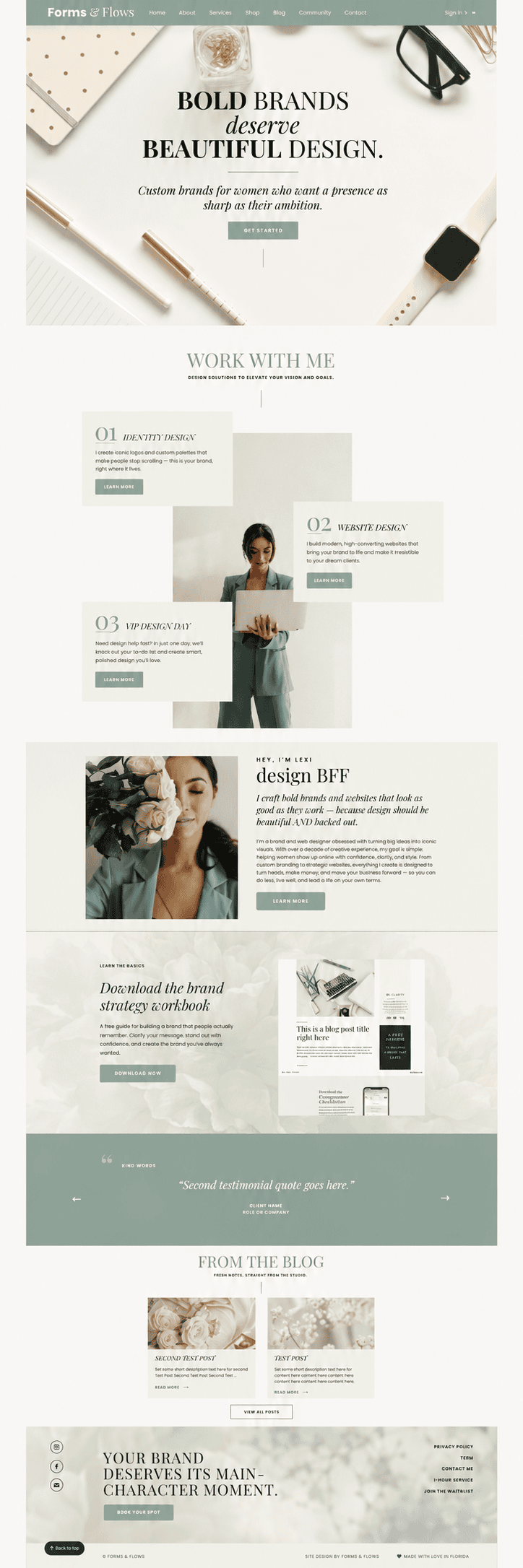
Peony makes MemberVault read as part of your brand, not a default platform.
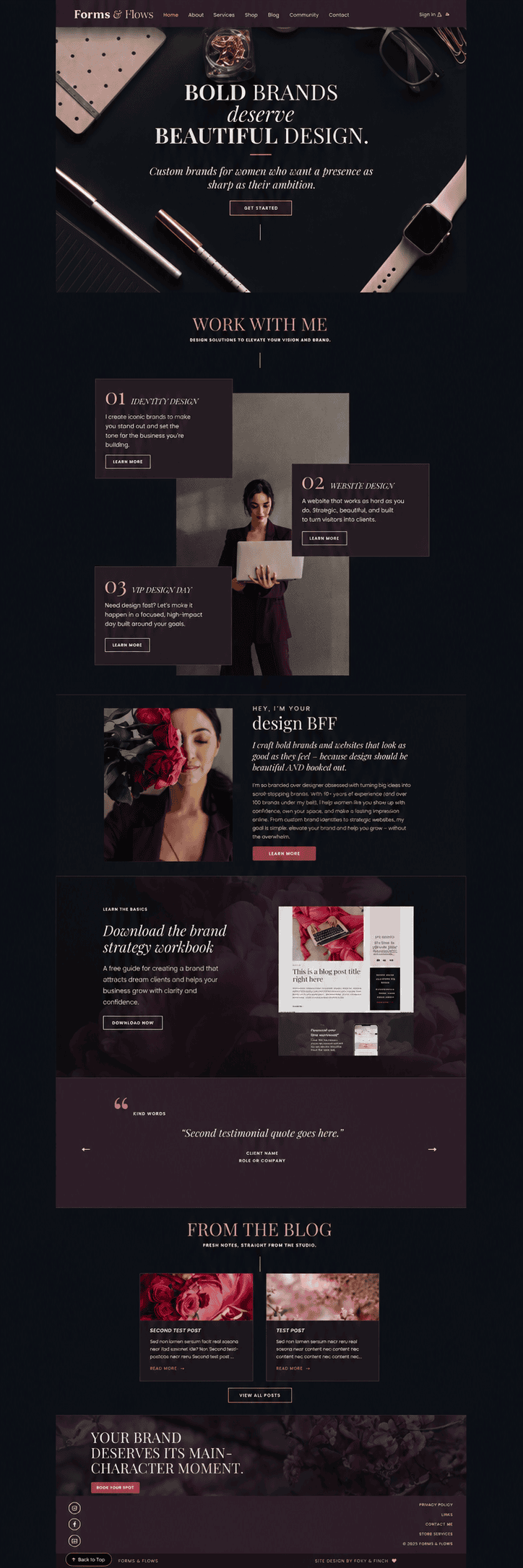
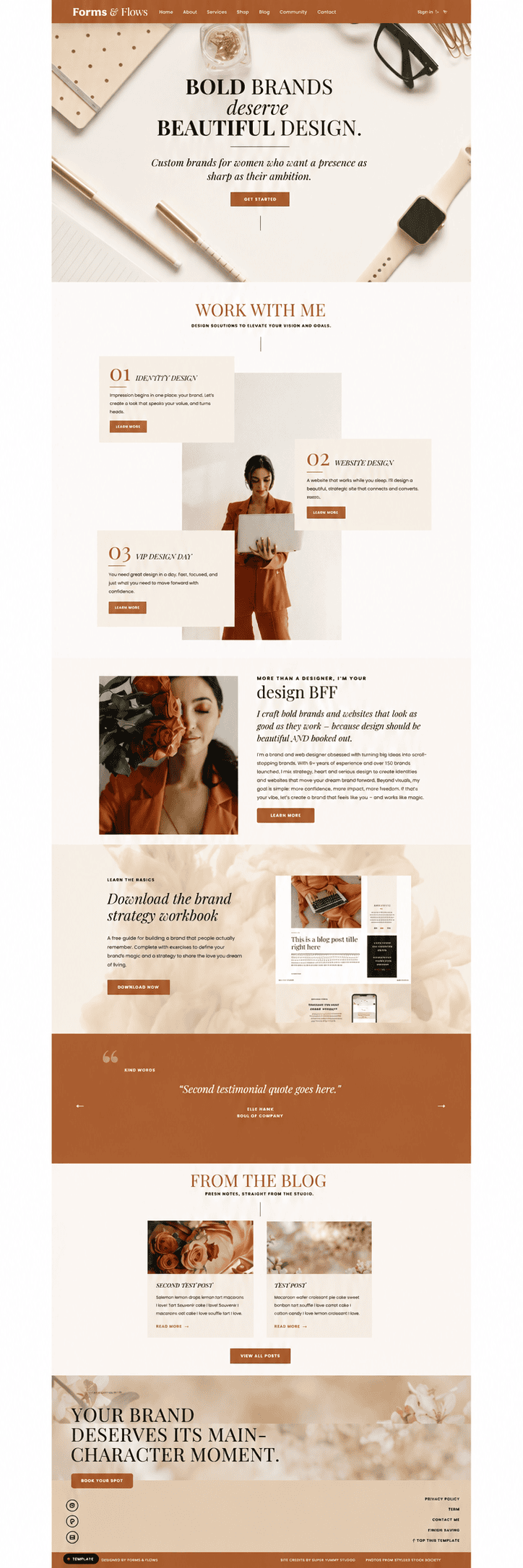
Most MemberVault portals look like MemberVault. Peony changes that by treating the platform as your content editor and the template as your design layer, so your home page, services, shop, blog, and member area all carry the same considered look. You edit text and images natively inside MemberVault. The structure and styling are already built.
Easy to Customize
Easy to Edit & Customize
Edit every page directly in MemberVault by clicking and typing. Your text, images, and links stay native to the platform, so there is no code to touch.
Mobile Responsive
Mobile Responsive
Every page is built to hold its structure across devices, from desktop to phone.
Polished, Professional Look
Polished, Professional Look
The full Peony design is built in from the start, so your portal reads as considered and intentional from the home page to the member area.
For anyone looking to:
✔ Give their MemberVault portal an intentional, branded design instead of the default platform look.
✔ Carry one cohesive aesthetic across their website, forms, and member area.
✔ Edit content directly in MemberVault without touching the underlying code.
✔ Guide members through a portal that is structured, not scattered.
✔ Extend the Peony ecosystem into content delivery and membership.
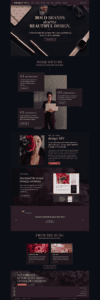
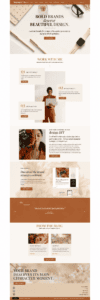
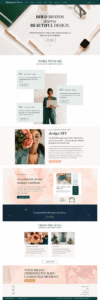
One template, many looks